The strongest reason to choose an Apple Watch with cellular is simple: you regularly want to leave your iPhone behind and still use supported connected features. If your phone is nearly always in your bag or pocket, a GPS model may already meet your needs.
Do not let the names obscure the choice. This is not a contest between a basic watch and a universally better one. It is a decision about when you need an independent cellular connection and what you are willing to pay for it.
Picture the hours without your phone
Think about an ordinary week. Perhaps you prefer a walk without a bag, spend time gardening away from the house, or want fewer things to carry on a quick errand. How often do those moments occur? Do you need to take a call, or would you be happy to reconnect later?
Apple’s guide to using a watch without its iPhone explains that a watch can still perform various tasks without the phone nearby, including tracking activity and workouts. Connected capabilities depend on the available connection and configuration. A GPS model is not rendered useless when you step outside without your phone.
For calls and other connected functions away from both the iPhone and usable Wi-Fi, cellular is the feature to investigate. Check the exact functions you expect to use rather than assuming every app behaves independently.
Add the service to the purchase price
Apple’s cellular setup guidance requires an eligible plan and supported carrier, with conditions that depend on the account and setup. Check your US carrier’s terms directly, including activation charges, monthly fees, taxes, and roaming support. A compatible watch does not automatically mean your existing phone plan includes watch service.
Use the full ownership period in your comparison. If, hypothetically, a watch costs $100 more and its service adds $10 each month, three years would add $460 before tax and other charges. Those are illustrative numbers, not Apple or carrier prices. Replace them with the offers available to you.
Ask whether service can be paused or canceled, and whether doing so affects a device promotion. If the extra connection is useful only during an occasional trip, examine that case before accepting an ongoing expense.
Coverage matters more than reassurance
Apple notes that extended cellular use draws more battery power. How that affects you depends on the model and use. Avoid a seller’s general battery claim unless its conditions match the way you intend to wear the watch.
Likewise, do not treat cellular as guaranteed contact everywhere. Check coverage where you actually walk and travel. Emergency features have their own model, region, connection, and setup requirements; this guide does not establish that a watch is a substitute for an emergency plan or medical device.
A decision that fits your routine
Choose GPS when you usually carry your iPhone and want the watch’s everyday functions without another service bill. Consider cellular when phone-free time is frequent, the specific features you need are supported, and the full cost feels reasonable.
If you are undecided, write down the last three occasions when you wished you could leave your phone behind. That is more useful evidence than an imagined future exercise routine. Then review the service alongside your other digital subscriptions.
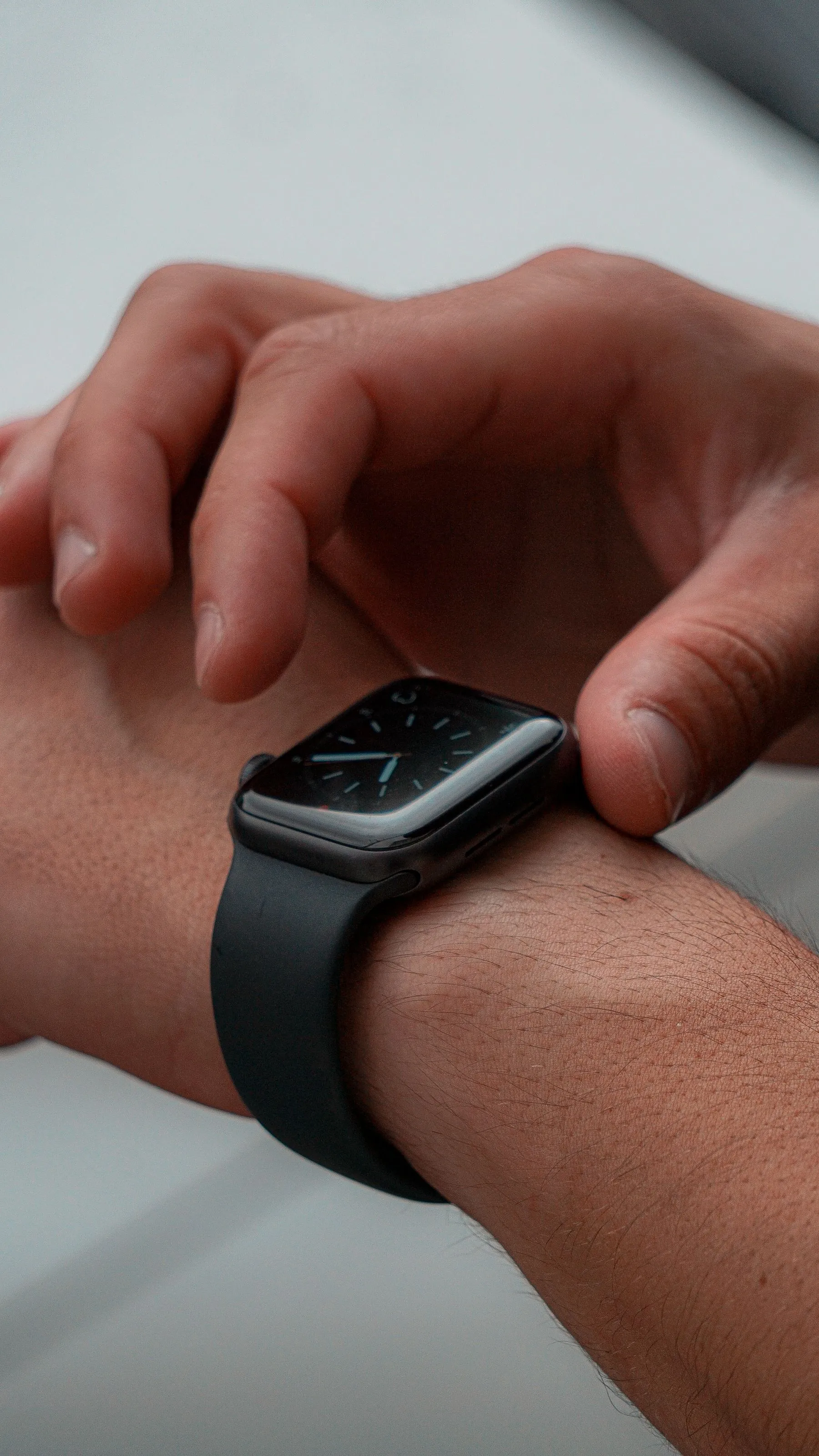
The photograph is a general smartwatch illustration, not an identification or recommendation of the Apple model discussed.
Sources checked November 2, 2026. Research-based editorial guidance; no hands-on product testing, affiliate links, or sponsored recommendations.