A robot vacuum is most appealing when you want help with frequent floor cleaning and your rooms allow it to do useful work with little intervention. It is less appealing if preparing the floor, rescuing the machine, and maintaining it would become another chore you resent.
The better question is not how much technology the vacuum contains. It is how much work remains for you after the robot finishes.
Walk through the house before browsing models
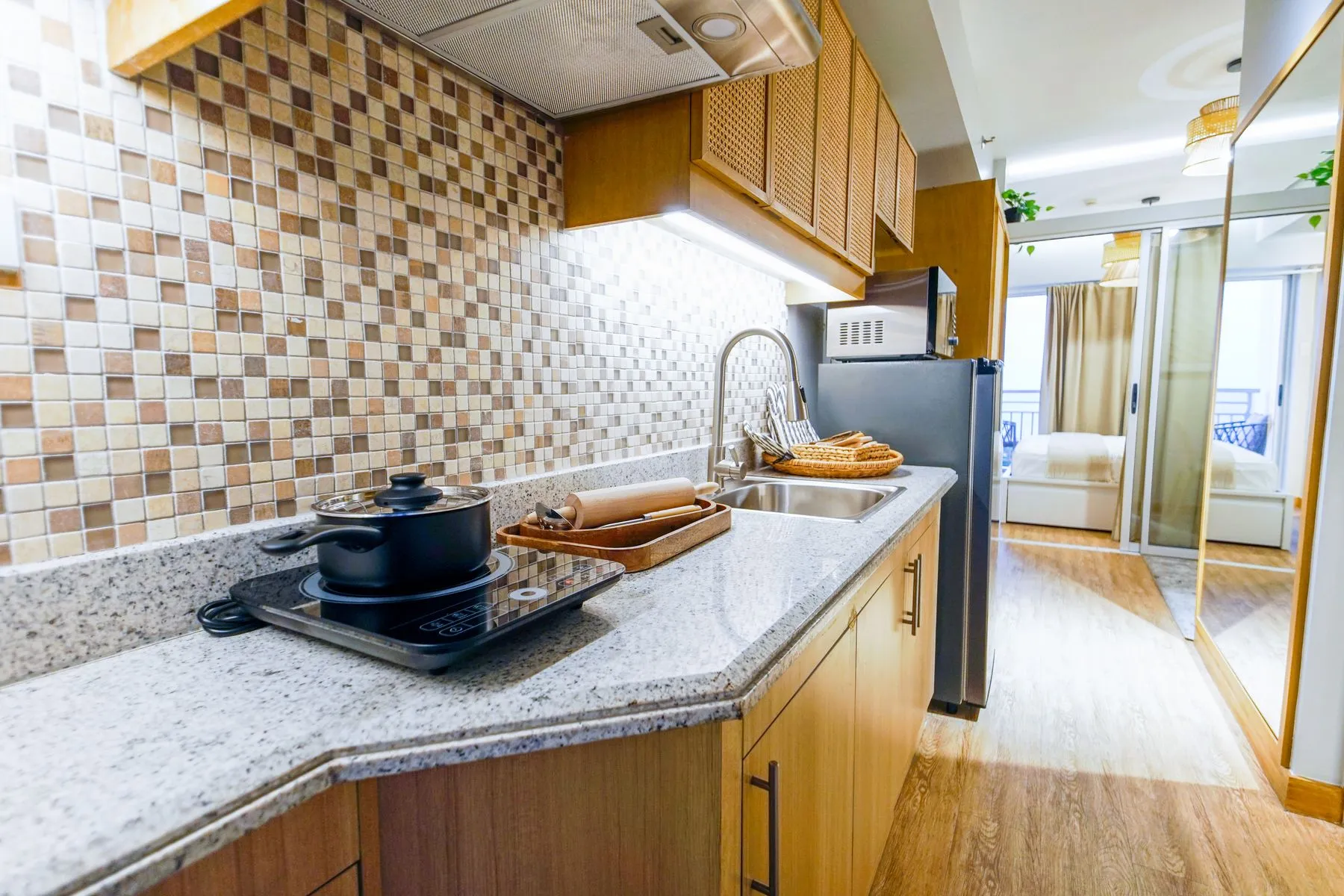
Measure the spaces the machine would need to reach, including clearance beneath furniture and the proposed docking location. Note thresholds, rugs with fringes, cables, floor-length curtains, and places where small items tend to accumulate. Compare these with the exact model’s manual and stated limitations.
Make a separate list for each level of the house. Do not count an upstairs room as part of the convenience calculation without considering how the robot gets there and whether the setup supports your plan.
If you have pets, think about feeding areas, toys, and accidents. Do not assume an obstacle-avoidance claim covers every object or situation. Read the manufacturer’s exclusions and any applicable guarantee rather than treating a camera or sensor list as proof.
Buy for the work you want removed
Perhaps the real irritation is crumbs under a dining table, pet hair in a sitting room, or frequent dust on a clear hallway floor. Name the task. Then look for independent tests that reflect your surfaces and debris, while checking the exact model and test conditions.
This guide does not rank suction power or cleaning performance. A large advertised suction number alone cannot tell you how a machine handles your chair legs, rugs, or maintenance routine.
If the purchase includes mopping, inspect that function separately. Check floor compatibility, water handling, pad care, and the manufacturer’s instructions around rugs. “Vacuum and mop” can describe different systems; it is not one uniform capability.
The dock does not remove every chore
Read the care schedule before paying for automation. iRobot’s model-specific care guidance, for example, includes routine attention to brushes, filters, and the bin. The precise schedule belongs to the model, but the broader shopping lesson is straightforward: maintenance remains part of ownership.
Ask these questions while the full kit is still on the product page:
- What needs emptying, washing, replacing, or checking?
- Can I comfortably reach and remove those parts?
- Are replacement bags, filters, brushes, or pads readily available?
- What do the recommended consumables cost over a year?
- Can essential cleaning functions work without a paid service?
- What information does the app collect, and what controls are documented?
Do not count a replacement interval as a universal promise; use the maker’s guidance and your expected use. A more elaborate dock may reduce one job while adding space and cleaning requirements of its own.
Judge it during the return window
If the seller allows a home trial, choose representative rooms and record the interventions you make. Include setup, floor preparation, maintenance, and any cleaning you still do yourself. Respect the return conditions rather than assuming a used appliance can always be sent back.
We would pay for a machine that reliably reduces a recurring task in the home we have. We would hesitate when the purchase requires permanently rearranging the house or tolerating an app we dislike. For connected-home compatibility, our Matter guide helps separate an actual supported function from a logo.
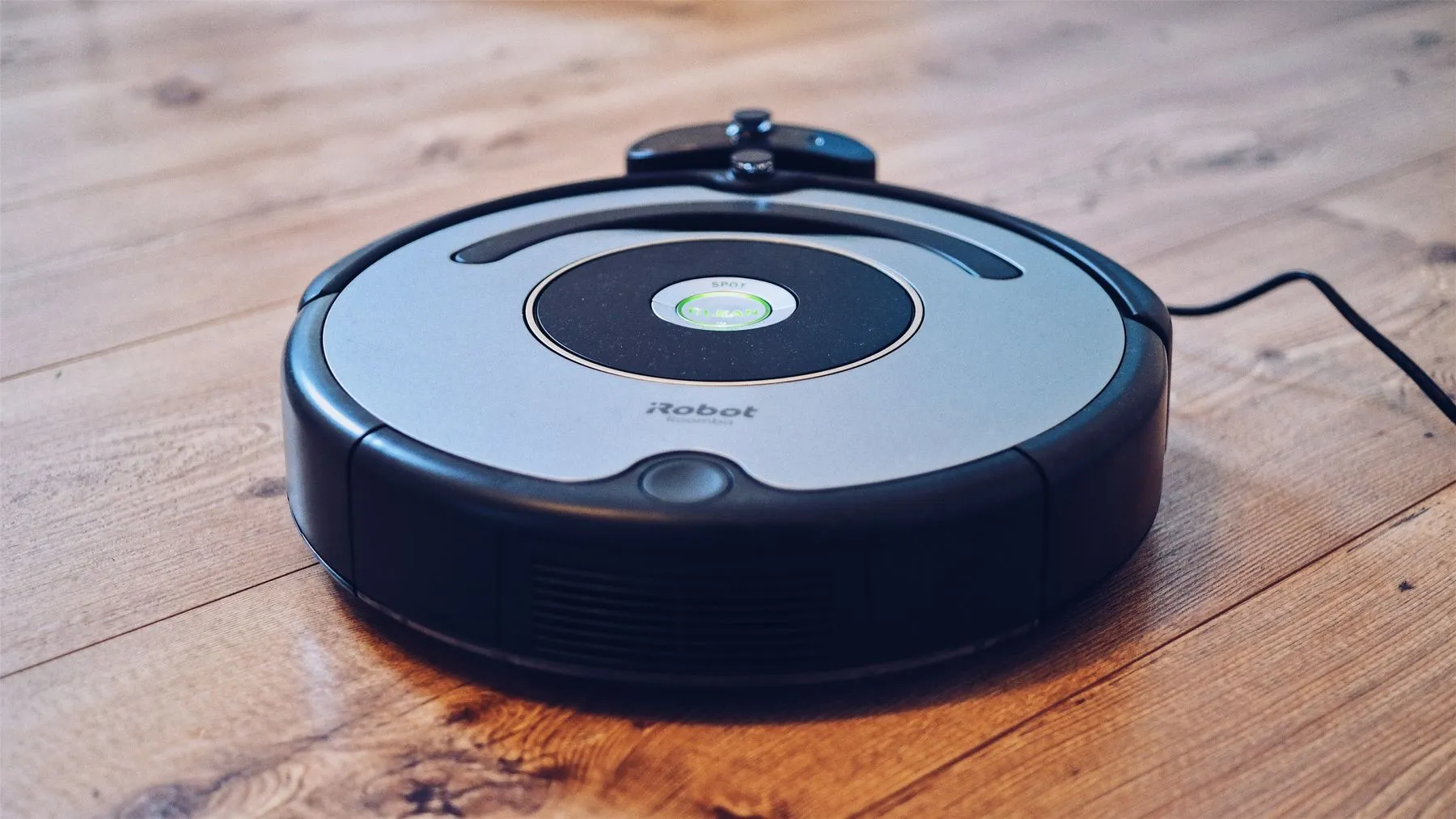
The pictured robot is illustrative, not a tested or selected model. Product generations differ; check documentation for the one you are considering.
Sources checked November 2, 2026. Research-based editorial guidance; no hands-on product testing, affiliate links, or sponsored recommendations.